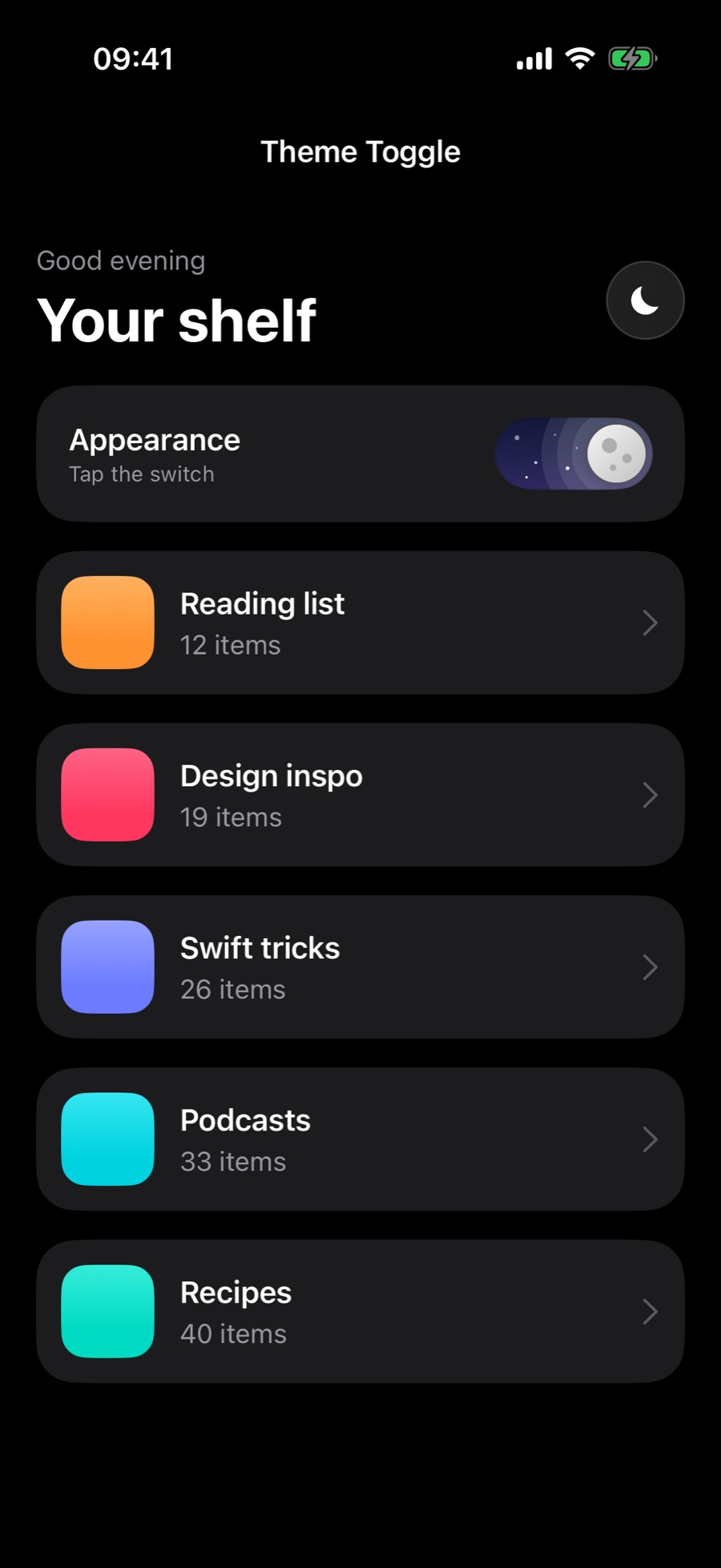
Theme Toggle
Animated light/dark switching with a circular ink reveal that spreads from the button across the whole app. Includes a sun-to-moon morphing icon button and a day/night pill switch with clouds, stars and a sliding moon.
 Luiz Mello
- theme
- toggle
- animation
snippet.swift363 lines
6 files • Scroll to see all →
/// Switches the whole window between light and dark mode with a circular/// "ink" reveal that grows from a point on screen.////// It snapshots the current window, flips `overrideUserInterfaceStyle`, then/// punches an expanding hole in the snapshot. Because the real UI is never/// duplicated, any SwiftUI hierarchy (with all its state) just works.@MainActorpublic enum ThemeReveal { private static var isAnimating = false /// Toggles light ⇄ dark, revealing the new theme from `origin` (global coordinates). public static func toggle(from origin: CGPoint, duration: TimeInterval = 0.8) { guard let window = keyWindow else { return } let next: UIUserInterfaceStyle = window.traitCollection.userInterfaceStyle == .dark ? .light : .dark apply(next, in: window, from: origin, duration: duration) } /// Sets a specific style, revealing it from `origin` (global coordinates). public static func set(_ style: UIUserInterfaceStyle, from origin: CGPoint, duration: TimeInterval = 0.8) { guard let window = keyWindow else { return }// ... (click "Show full code" to see more)Viewing: ThemeRevealEngine.swift•1 of 6